
FAQs
OTR App
What devices support the OTR App?
The OTR App has asked if I wish to turn on location services. Why do I need to use location services?
Location services are used for a number of reasons in the OTR App, designed to give you the best experience. Examples include: –
- selecting your nearest stores to pre-order via the OTR App
- calculating delivery times for pre-ordering
- as a validation method to improve Scan. Pump. Save
I no longer want to use the OTR App. What do I do?
You can delete your account by going to your profile under account settings and select ‘Delete Account’. You will receive a confirmation email once your account is deleted.
I didn't receive my OTP login code. What should I do?
Please check your Spam or Junk folder. Sometimes, these emails are accidentally filtered from your main inbox.
Flybuys
Can I earn Flybuys points in the OTR App?
Yes. Link your Flybuys account to the OTR App and choose Flybuys points as your preferred fuel reward. You’ll earn:
- 3 Flybuys points for every $1 spent on eligible fuel purchases made and paid for in the OTR App until 30 November 2026.
- 1 Flybuys point for every $2 spent on eligible non-fuel purchases made through the OTR App.
Flybuys points and Scan Pump $ave™ fuel discounts can’t both be earned on the same in-app fuel purchase.
How many Flybuys points can I earn at OTR?
In-store purchases
Scan your Flybuys card, Flybuys App or linked OTR App barcode to earn:
- 1 Flybuys point for every $2 spent on eligible fuel and shop purchases.
In-app purchases
If you’ve linked your Flybuys account and selected Flybuys points as your preferred fuel reward, you’ll earn:
- 3 Flybuys points for every $1 spent on eligible fuel purchases made through the OTR App until 30 November 2026.
- 1 Flybuys point for every $2 spent on eligible non-fuel purchases made through the OTR App.
Which purchases don't earn Flybuys points?
Flybuys points aren’t awarded on some purchases, including:
- Tobacco and tobacco-related products
- Gift cards
- Charity donations
- Lottery products
- Trailer hire
- HappyWash DIY
- Happy Dog Wash
When will I receive my Flybuys points?
Points earned on eligible purchases are generally credited to your Flybuys account within 48 hours
Can I scan my Flybuys card from the Flybuys App at OTR?
Yes. You can scan your physical Flybuys card or digital Flybuys card from the Flybuys App when purchasing eligible items in-store.
If you’ve linked your Flybuys account to the OTR App, you can also scan your OTR App barcode to collect Flybuys points and eligible OTR Rewards.
Can I earn Flybuys points when using Shell Card?
Yes. You can earn Flybuys points on eligible purchases when you pay with Shell Card and scan your Flybuys card.
Can I redeem a Coles fuel docket at OTR?
No.
Rewards
What brands earn Rewards?
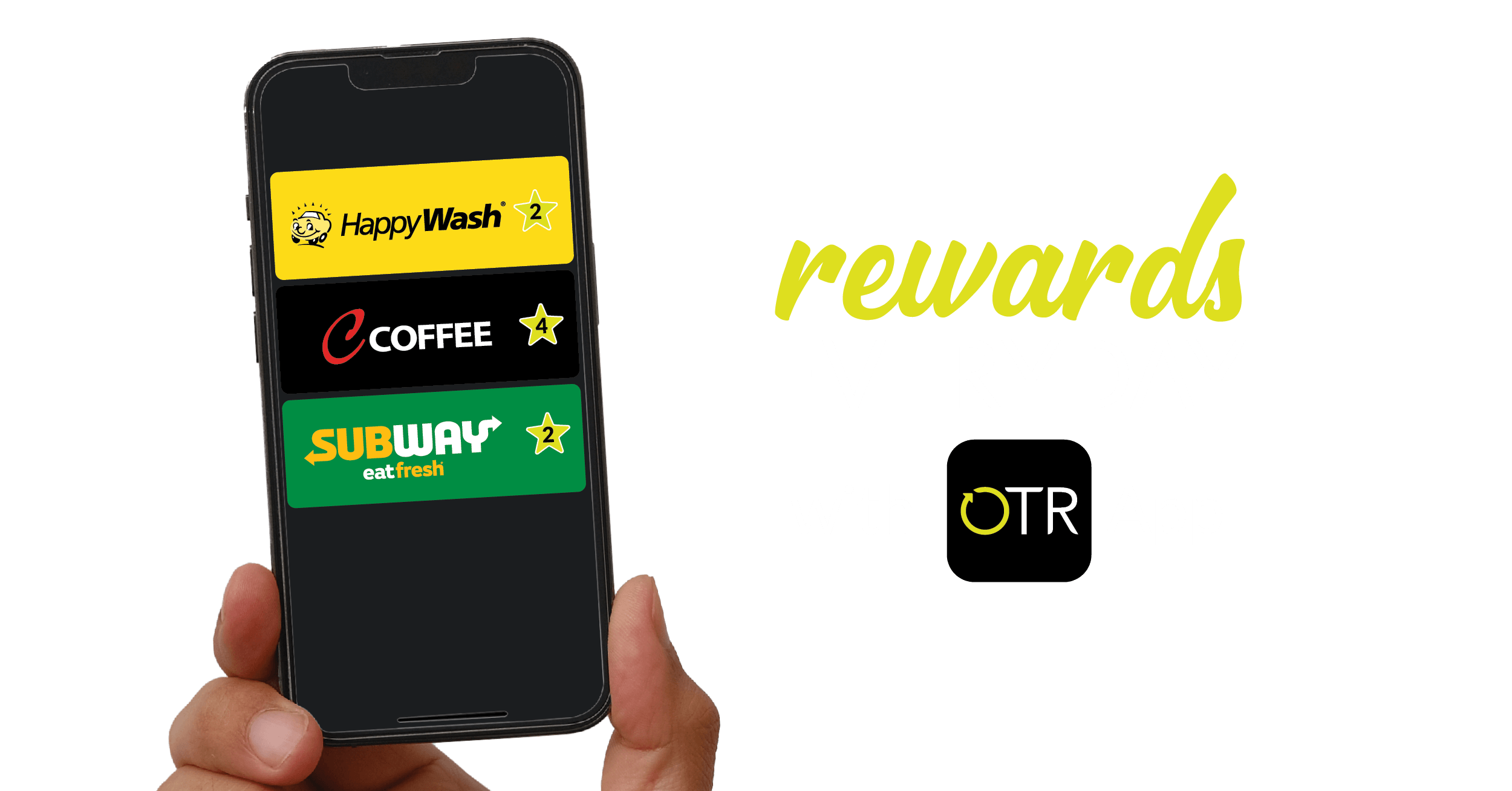
Registered users of the OTR App can earn Rewards on C Coffee, Happy Wash and Subway meal deals.
What are the Buy 4 Get 1 FREE offers?
The Buy 4 Get 1 FREE offers are:
C COFFEE
– Buy 4 Regular C Coffees, Get 1 FREE
– Buy 4 Grande C Coffees, Get 1 FREE
– Buy 4 Max C Coffees, Get 1 FREE
HAPPYWASH
– Buy 4 ‘The Wash’ car washes, Get 1 FREE
– Buy 4 ‘The Wash & Dry’ car washes, Get 1 FREE
– Buy 4 ‘Deluxe Wash’ car washes, Get 1 FREE
– Buy 4 ‘Ultimate’ car washes, Get 1 FREE
SUBWAY
-Buy 4 6-inch Sub, Regular Wrap or Regular Salad Combo, Get a 6-inch Sub, Regular Wrap or Regular Salad Combo FREE
– Buy 4 Footlong Sub, Large Salad or Large Wrap Combo, Get a Footlong Sub, Large Salad or Large Wrap Combo FREE
How do I redeem a Reward?
You can redeem a C Coffee Reward automatically when pre-ordering online.
To redeem a Reward at an OTR store, let the OTR Team Member know that you want to redeem a Reward and show them the redemption code. To do this go to the ‘OTR Rewards’ tab in the OTR App:
- Tap the brand of the Reward you wish to redeem
- Tap the Buy 4 Get 1 FREE offer you wish to redeem
- Press ‘Redeem’. This will show a redemption code that the OTR Team Member is required to enter during the transaction
Do Rewards expire?
Yes. Earned rewards from Buy 4 Get 1 Free products are valid for 5 years from the date they have been earned. The days to expiry is shown if less than 30 days.
Other Rewards which are not Buy 4 Get 1 Free have expiry dates shown on the Reward tile.
How do Stamps become Rewards?
Stamps are automatically converted into Rewards when you have purchased 4 of the same deals.
Can I still earn Rewards if I forget my phone?
Unfortunately Stamps and Rewards can only be earned by scanning your app barcode in store, or by placing an order through the OTR App.
How often do OTR Rewards update?
How do I earn Rewards?
Each time you purchase an offer in-store entitled to earn a Stamp towards a Reward i.e. Grande C Coffee, scan the barcode on your OTR Rewards screen in the OTR App at the Point of Sale in store and watch as you gain Stamps towards your free Reward.
Coffee items ordered through the app will be automatically added to your Buy 4 Get 1 FREE rewards tally, no need to scan in-store.
I have an issue with my App. What should I do?
If you encounter an issue with your app, retry the steps you took to see if you can repeat the issue.
If you can repeat the issue you can raise it with the App development team directly via the OTR App:
Select ‘Contact Us’ from the app menu and complete as much detail as possible including:
- What phone you have
- What version of iOS or Android you have
- What steps you performed that resulted in the issue
Ordering
Can the pick-up location of an order be change once the order has been placed?
Unfortunately, once an order has been placed through the OTR App, the location is unable to be changed. Once an order is placed it is automatically sent through to the store.
Can the pick-up time of an order be changed once the order has been placed?
Yes, you can change the pick-up time if it is greater than the order preparation time.
To change the pick-up time of an order, go to Current Orders on the home page and tap on the order and edit time.
My Profile
How do I change my password?
The easiest way to reset your password is to request a new one from inside the App via account settings. This will send you a temporary password which you can use to re login and set a new password.
If you don’t have access to the App, click on ‘Forgot your password’ when logging in via email and follow the instructions. You will be asked to enter your email address that you used to register to the OTR App. A temporary password will be sent to the email address. Log in using this temporary password and you will be prompted to create a new password.
What payment methods can I add?
You can use Apple Pay or Google Pay (if available in your phone wallet), add VISA, MasterCard or AMEX credit cards. PayPal is also accepted.
Can I make a default payment method?
To select a default payment method, go to your My Payment option in the ‘My profile’ screen and tap which payment method you would like as your default. The payment method will then have a green tick and green border.
How many payment methods can I have at once?
I no longer want to receive emails from OTR. What should I do?
Deselect the Email option under the Communication Settings section of My Profile.
Alternatively, untick ‘Send me great offers & deals’ from OTR’ tick box in the ‘My Account’ Communication settings screen.
OTRGive
What is OTRGive?
OTRGive is a free community program where your purchases make a difference.
When you buy, we give! Simply choose a charity from OTRGive in the OTR App that resonates with you. When you order in the App, or buy fuel, or shop, by scanning your OTR App in-store it will automatically direct OTR to donate a portion of your purchase to your selected charity—at no cost to you.
How do I join?
OTRGive is easy to join.
- Download the OTR App
- Select OTRGive from the App Menu
- Choose a charity
- Either order in the App, or shop and scan your barcode in store
- OTR donates a portion of your purchase to your charity
What do I pay?
Nothing, you select the charity, OTR makes the donation.
How much of my purchase is donated?
OTR will only donate a portion of your purchase when you have an OTRGive charity selected and purchase in the App (OTR donates automatically) or you scan your App in-store. Amounts donated are 1¢ for every $2 and 1¢ for every 2 litres of fuel.
Excluded purchases include Tobacco, Lotteries, Guzman Y Gomez and Hungry Jacks.
Can I change my chosen charity?
Yes, you can change your OTRGive charity at any time.
- From the App Menu select OTRGive
- Click ‘Change Charity’
- Choose your new charity
Where can I track my charity partners progress?
The OTRGive dashboard displays each charities member numbers and donations.
- From the App Menu select OTRGive
- Tap the dashboard to display total donations made to date to your chosen charity
What type of community groups is OTRGive supporting?
Our OTRGive charity partners represent a cross section of the communities OTR is proud to serve; this includes providing support for food insecurity, animal welfare, Indigenous education, natural disaster, remote medical care and rural mental health.
Fuel Offset
Important Notice: Fuel offset program will be closing down from February 3, 2026 and the program will be removed from the OTR App .
Can I still see details of my past offset if the program is closing?
Yes, you can still see details of your past fuel offsets in your tax invoices in the OTR App.
How can I get in touch if I face any issues?
You can reach out to us via your OTR App Account Management —> Get in Touch or email us at otrappsupport@otr.com.au.
Download or open the

Download or open the